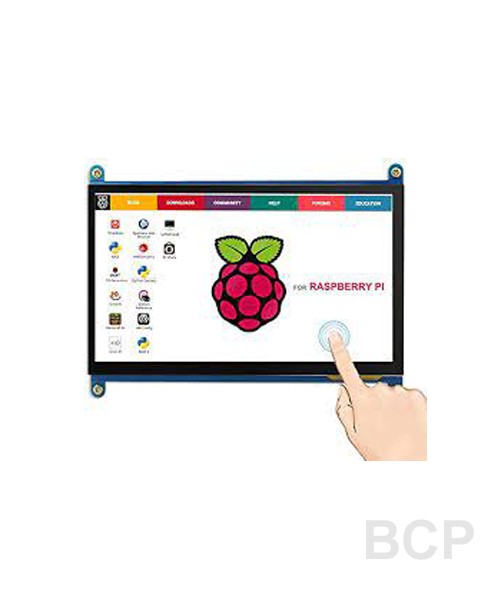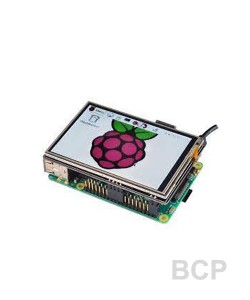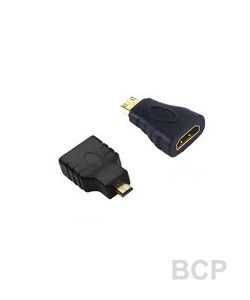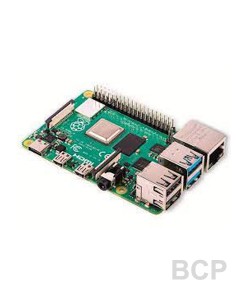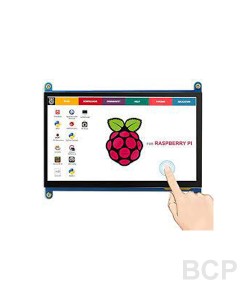
A good solution for those seeking for a bigger resolution display for Raspberry Pi. it can work as a computer monitor just like any other general HDMI screen too (compatible with win7,、win8,、win 10 computers).
Connect Raspberry pi HDMI port to LCD HDMI port using a HDMI cable. Then any Raspberry pi USB port to any of LCD micro usb port using a USB cable for power and touch signal.
No driver is needed for touch control, both for Raspberry Pi and windows computer. Multitouch works only on Windows. On Raspbian, only single touch works.
Features:
7’’ standard display, 1024 × 600 Hardware resolution, Up to 1920x1080 software configuration resolution.
Capacitive touch screen, maximum support 5 point touch
Support backlight control alone, the backlight can be turned off to save power
Can be used as general-purpose-use HDMI monitor, for example: connect with a computer HDMI as the sub-display
Work as a PC monitor, support win7, win8, win10 system 5 point touch (XP and older version system: single-point touch), driver free
Product Package Contains:
1. LCD Panel
2. HDMI Cable
3. USB-A to Micro USB Cable
Notes:
1. This LCD requires a good amount of current to work properly. So, while the LCD is connected to Raspberry Pi USB port (for power + touch), power up the Raspberry Pi with a good 5V 2A power adapter or power bank. Otherwise, Raspberry Pi won't boot up.
2. This display works right out of the box with Windows computer. But to use this LCD with Raspberry Pi, you need to modify "config.txt" file of the SD card in which you've installed the Raspbian OS. Open "config.txt" using Wordpad and add the following lines at the end of it, save it.
max_usb_current=1
hdmi_force_hotplug=1
config_hdmi_boost=7
hdmi_group=2
hdmi_mode=1
hdmi_mode=87
hdmi_drive=1
display_rotate=0
hdmi_cvt 1024 600 60 6 0 0 0
3. This display works with latest Raspberry Pi OS (may not work with Raspbian Jessie or older). Works with ONLY Raspberry pi 4 (HDMI 0) and Raspberry pi 3B+.