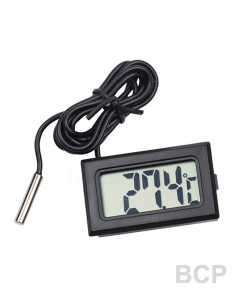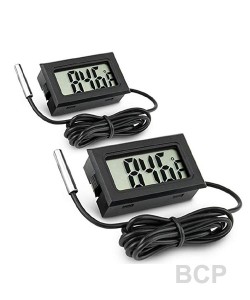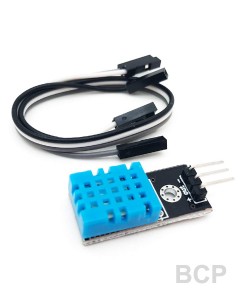
Usage
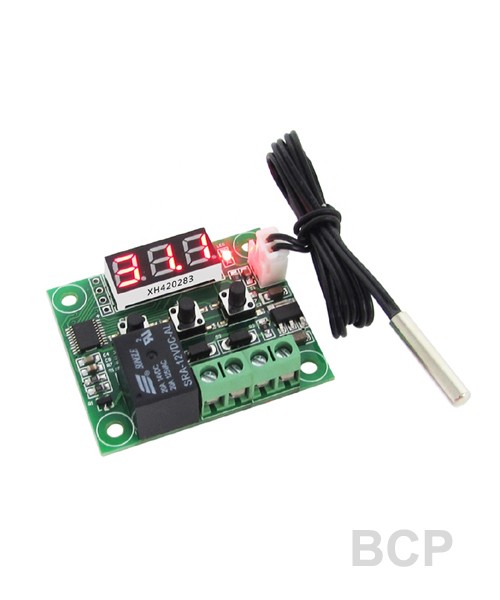
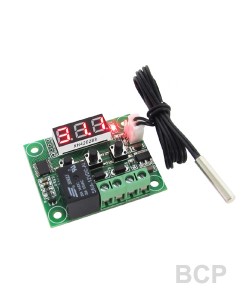
Connect the power supply and equipment, to the controller power supply, as measured temperature is displayed, press the SET button, the display temperature flashes, press "+" "-" to set the desired temperature (hold down the button 5 seconds more quickly lift). After setting press SET to confirm return, then the controller according to the set temperature automatically execute the relay off!
Indicator, LED Status Description
Indicator: indicates relay is closed, Off means the relay has been disconnected;
Digital: Displays the sensor 888 is open, follow the instructions to connect the sensor;
Show HHH for the excess of the maximum temperature of the measuring range, the thermostat will be forced off the relay;
Display L L L of the measuring range of the lowest temperature, the thermostat will be forced off the relay;
Display - - - high temperature alarm, thermostat will forcibly disconnect relay;
Parameter Function
Press SET button for 5 seconds to enter the main menu settings, press the "+" "-" Switching P0-P8, long press SET to confirm or automatically 10 seconds after no key operation of the controller to return.